
PRODUCT 01 | ENGINEERING AI WORKBENCH

Help Professional Engineers Solve More Complex Problems

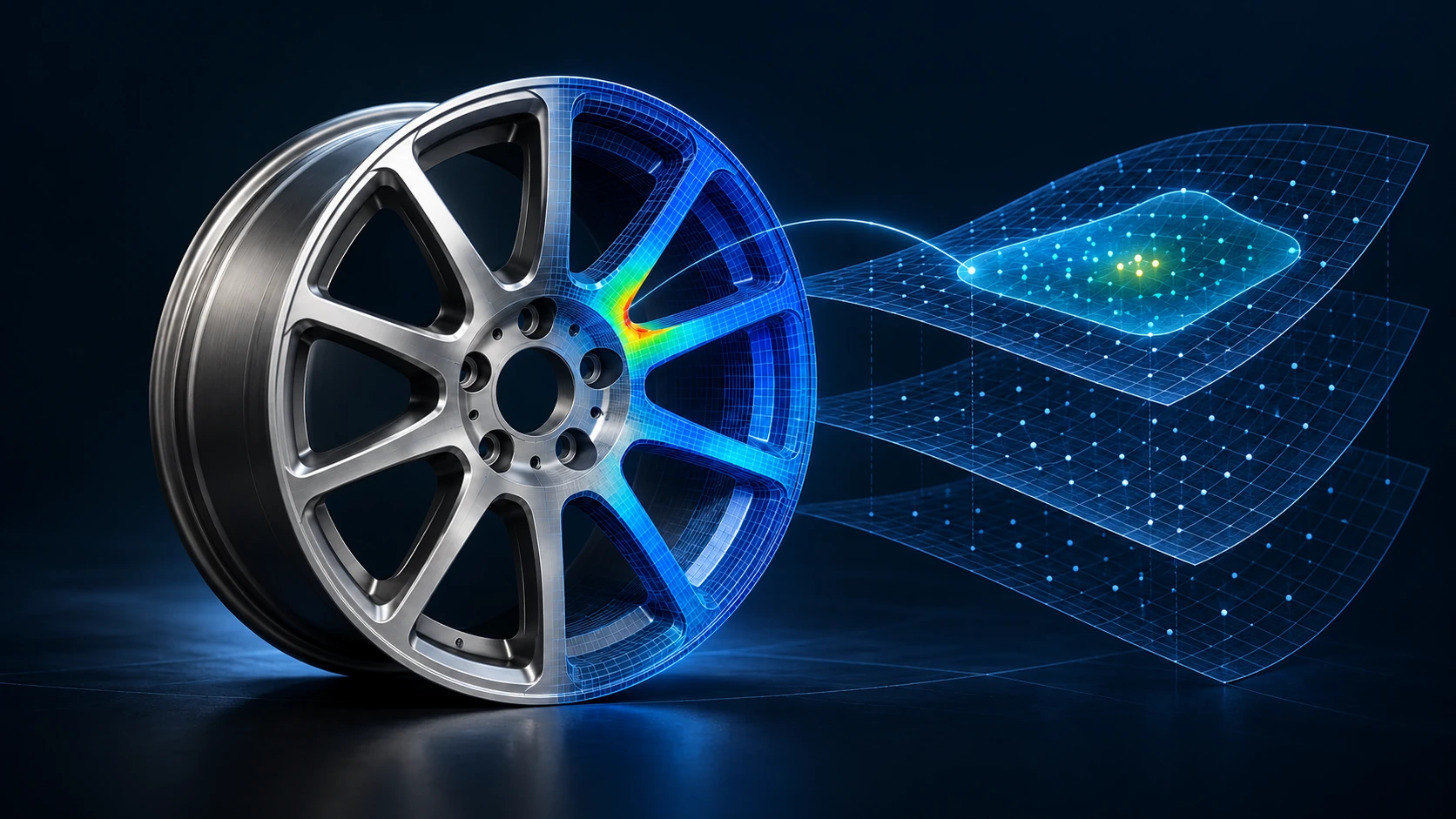
GEWU turns real engineering problems into computable solution spaces, explores them in parallel through Integrated Modeling, Design Space Exploration, and Engineering Intelligence, and captures trusted models, methods, and criteria as Engineering Apps.

Preview of the GEWU engineering workspace product film
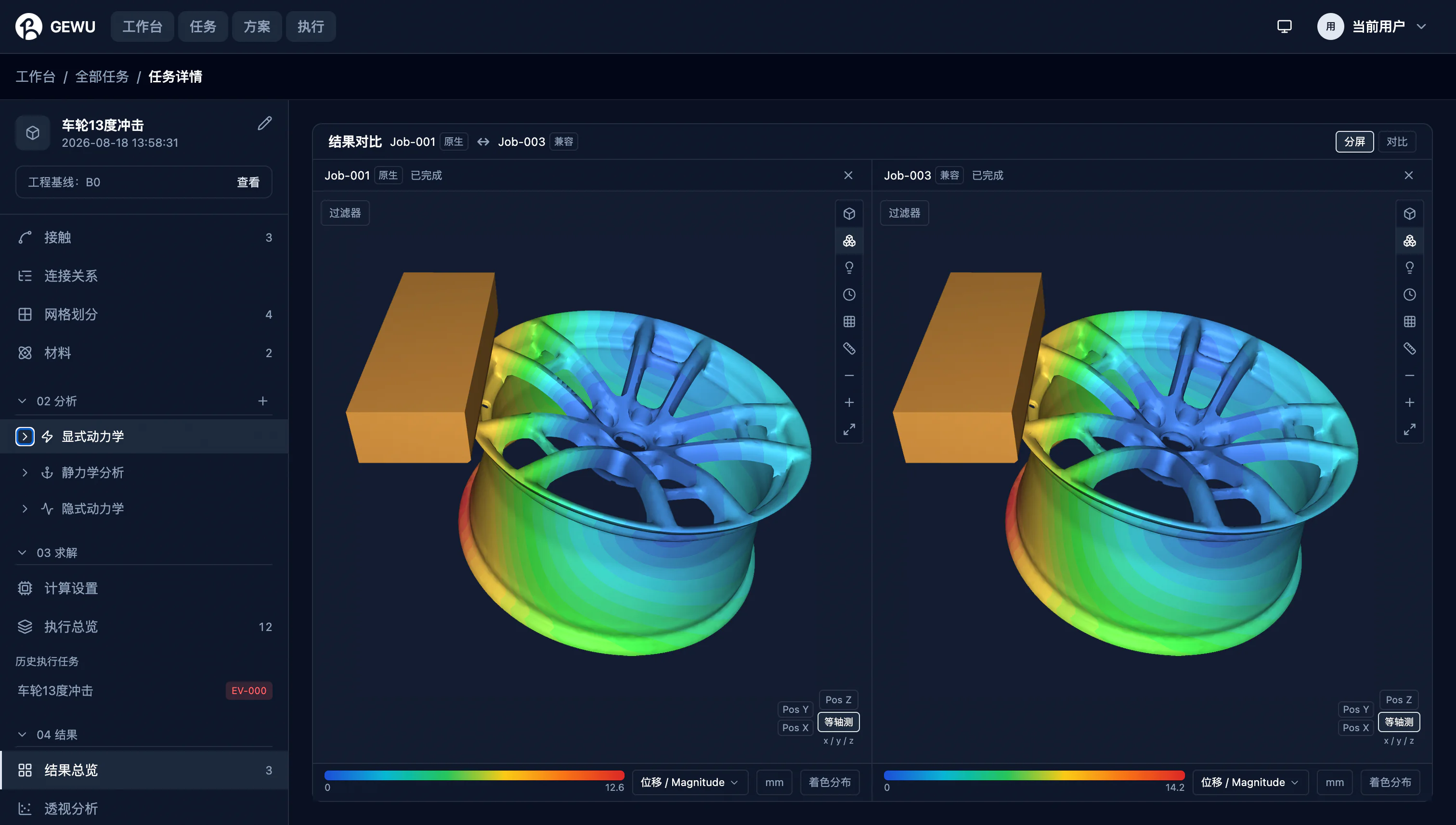
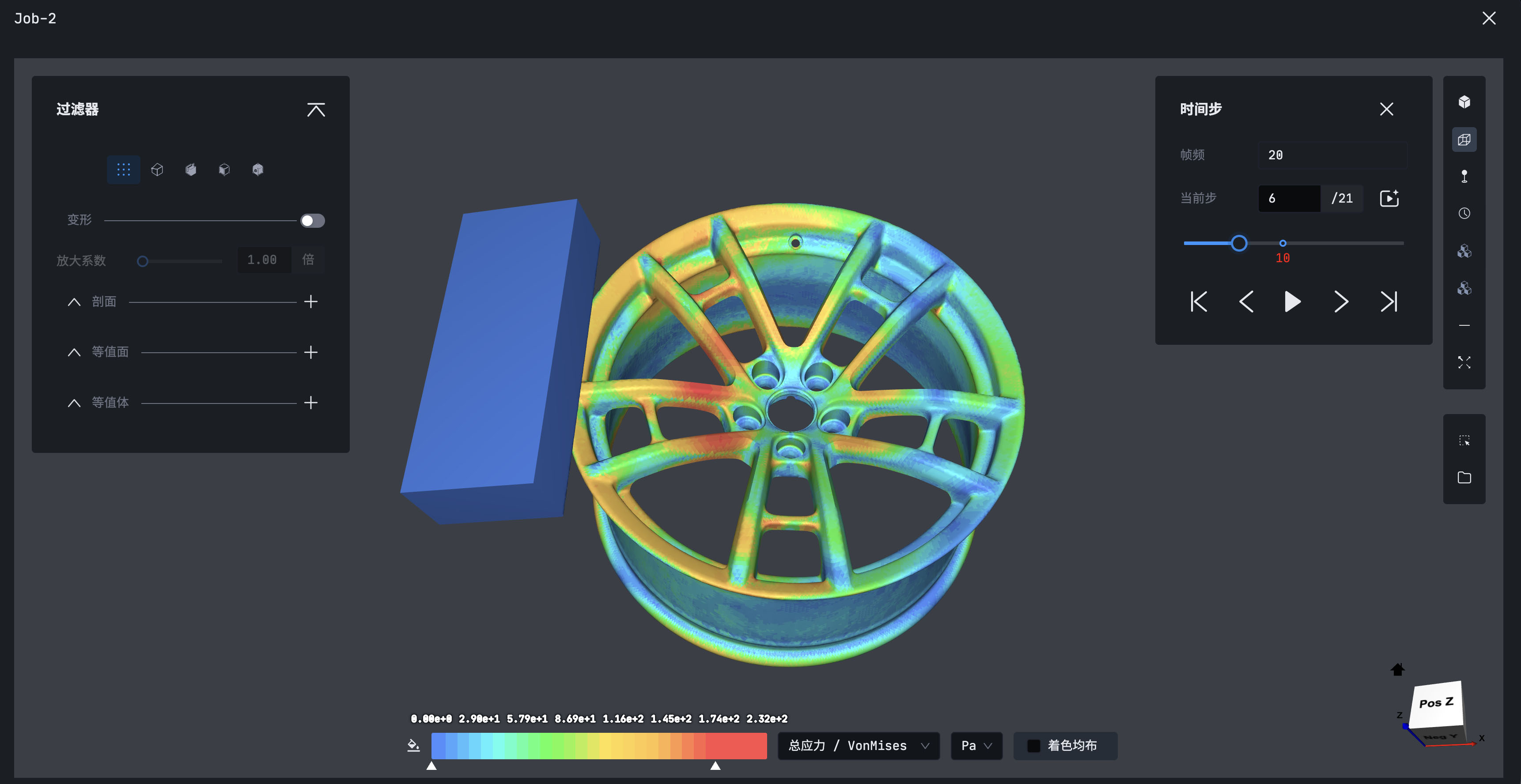
TASK | 13° WHEEL IMPACT SIMULATION
GEWU PRODUCT FILMSee GEWU run a complete professional CAE exploration
See GEWU run a complete professional CAE exploration
01 | PRODUCT DEFINITION

Understand the Problem. Compute a Better Solution.

Bring models, data, and compute into one workbench to compare solutions, validate conclusions, and capture methods

Engineering context
Objects & modelsMaterials & conditionsGoals & criteria
GEWU · Engineering AI WorkbenchWORK-MODE DIAGRAM
GEWU · Model · Compare · ValidateModel an engineering problem, compare multiple alternatives, validate the better solution, and capture trusted conclusions, proven methods, and Engineering Apps.
ModelCompareValidate
  1. 01

    Model the problem, reflect reality

    Combine objects, physics, data, and constraints in a model that reflects real operating conditions

  2. 02

    Explore alternatives, find better solutions

    Explore parameters, conditions, and designs in parallel, comparing performance and trade-offs

  3. 03

    Validate conclusions, capture methods

    Test results against engineering criteria and capture models, workflows, and evidence as reusable methods and Apps

Key outcomesTrusted conclusions, validated methods, and Engineering Apps

Integrated Modeling, Design Space Exploration, and Engineering Intelligence support the engineer’s exploration and judgment

02 | ENGINEERING WORKSPACE

One Workspace for Three Forms of Professional Engineering Work

ENGINEERING CONTEXT

Complete Engineering Context

ProjectModelConditionTaskResultEvidence

ENGINEERING WORKSPACE

GEWU

Three forms of professional work

01

Solver Comparison

Compare commercial and open solvers on one baseline

02

Solution Exploration

Expand the design space and actively converge

03

Intelligence Training

Train professional intelligence for meshing, interpretation, and more

ENGINEERING AI PLATFORM

Unified Engineering AI Platform

View the Platform
Integrated Modeling
Design Space Exploration
Engineering Intelligence
Engineering Trust Framework
03 | TASK WALKTHROUGH

See Professional Capability Advance through One Real Task

The task baseline, solving process, result validation, and capability capture remain connected in one engineering context.

GEWU Connect the Context interfaceGEWU Compare Solvers interfaceGEWU Expand Compute interfaceGEWU Train Intelligence interface
01Connect
01
02
03
04
04 | TWO SOLVING PATHS

One Engineering Baseline, Two Connected Solving Paths

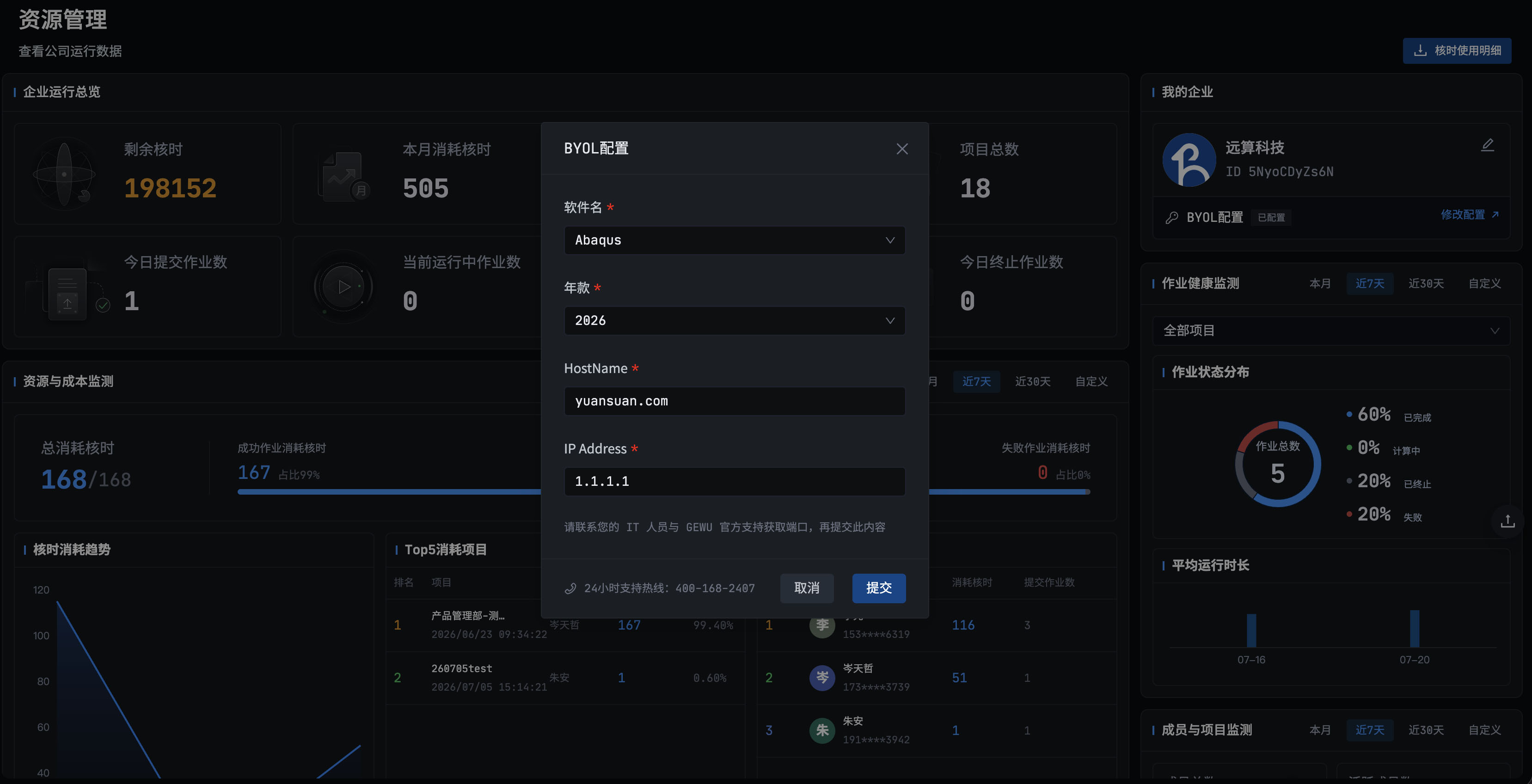
Compatible Mode preserves the commercial CAE high-fidelity baseline; Native Mode combines open CAE with elastic HPC to expand exploration. Both produce trusted data that trains real-time capability.

01|COMPATIBLE

Preserve the commercial CAE high-fidelity baseline

BYOLINPUT ASSETCOMMERCIAL CAECLOUD EXECUTIONHF BASELINETRUSTED OUTPUT

Commercial-solver high-fidelity baseline

02|NATIVE

Connect open solvers and expand the design space

OPEN SOLVERDESIGN SPACE

Open-solver samples and comparable results

SYSTEM TRAINING LOOP

Trusted Data Continuously Trains Real-Time Capability

Automatic trainingEngineer acceptanceReal-time invocation
05 | DESIGN SPACE EXPLORATION

Move from One-Off Solving to Continuous Exploration

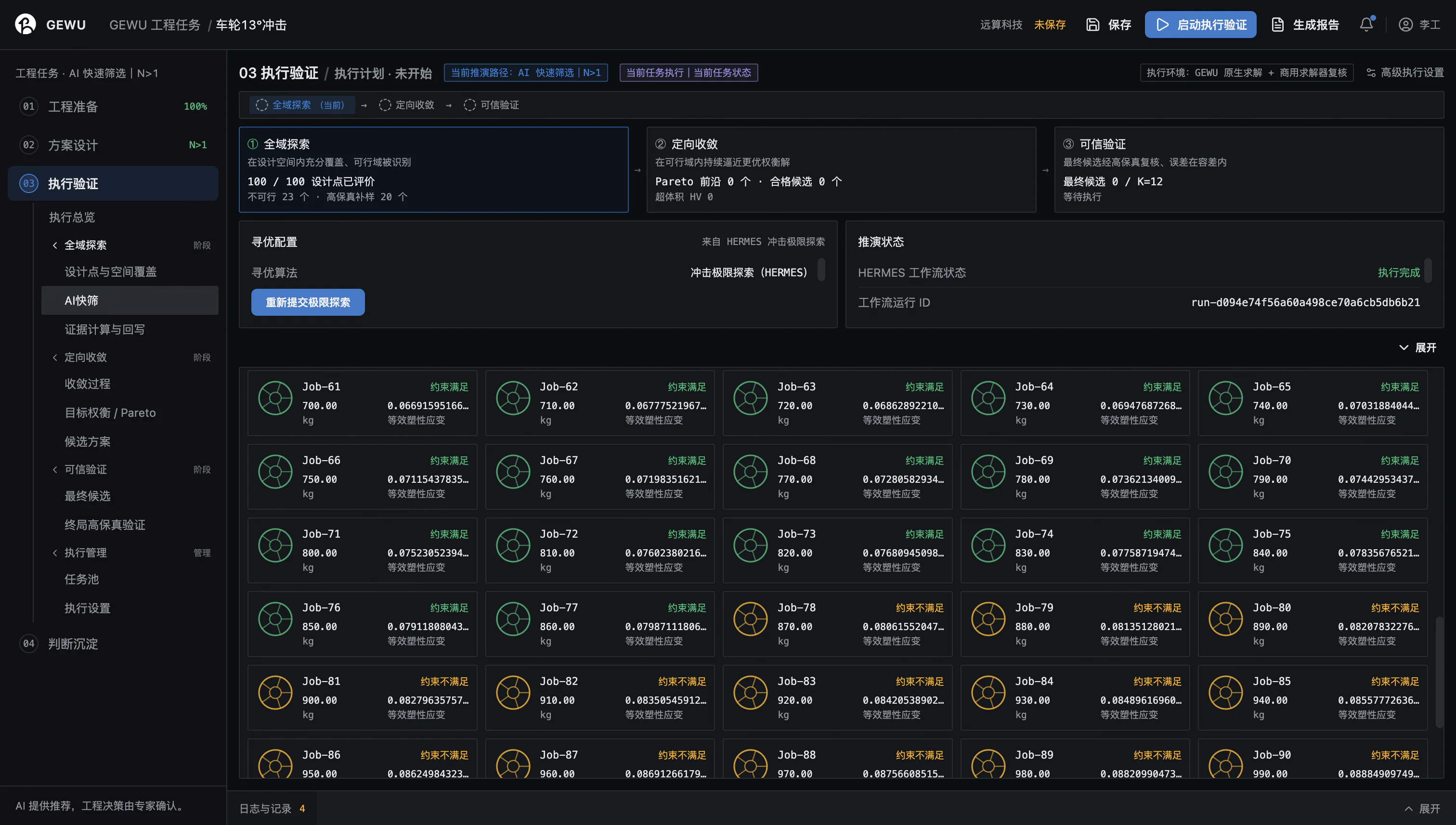
Expand the design space from a high-fidelity baseline, converge actively on better solutions, and validate the operating boundary

GEWU DESIGN SPACE EXPLORATIONEXPLORATION / RUNNINGEXPLORATION / VERIFIED
01 / EXPAND

Expand the Design Space

Cover more combinations of variables, conditions, goals, and constraints

02 / CONVERGE

Converge on Better Solutions

Keep directing compute toward higher-value candidates

03 / VALIDATE

Validate Result Boundaries

Return to the high-fidelity baseline to confirm accuracy and operating range

06 | CAPABILITY SHIFTS

Four Capability Shifts for Professional CAE

SHIFT 01
Single SolveIntegrated Comparison

Compare multiple methods on one engineering baseline

SHIFT 02
Single PointFull Design Space

Move from one candidate to the full design space

SHIFT 03
Forward ValidationTarget-Driven Design

Search for feasible designs around target performance

SHIFT 04
Discrete ComputeContinuous Prediction

Train simulation samples into interactive physical response

High-Fidelity Baseline | Engineering Judgment | Operating Boundaries

07 | CAPABILITY CAPTURE

Turn One Professional Breakthrough into Reusable Capability

Capture validated methods, workflows, rules, and intelligence as Engineering Apps and professional Engineering AI capabilities

METHOD

METHOD CAPTURE

Release an Engineering App

Organize a validated method, task flow, and acceptance rules as a standard capability

Preferred methodTask flowAcceptance rules

Engineering App

INTELLIGENCE

INTELLIGENCE CAPTURE

Create Professional Engineering AI

Train professional intelligence through engineer demonstration, correction, evaluation, and acceptance

Engineer demonstrationCorrection & evaluationEngineer acceptance

Professional Engineering AI

CAPABILITY FLOW

Engineering Apps Enter LUBAN for Runtime at Scale

Professional Engineering AI enters Engineering Apps and MOZI to keep creating value

08 | PRODUCT COLLABORATION
GEWUConnect with other productsExplore the product system

Exploration, runtime, and task feedback can each drive capability updates

START USING GEWU

Bring a Real Engineering Problem into GEWU

Start with solver comparison, solution exploration, or intelligent training