Zum Hauptinhalt springen
PRODUCT 02 | Engineering-App-Plattform

Bewährte Engineering-Fähigkeiten kombinierenund im großen Maßstab einsetzen

LUBAN macht Engineering-Apps im AppStore auffindbar und kombiniert sie in der Workbench zu Runtime Units. So wird ein professioneller Durchbruch zum organisationsweiten Nutzen.

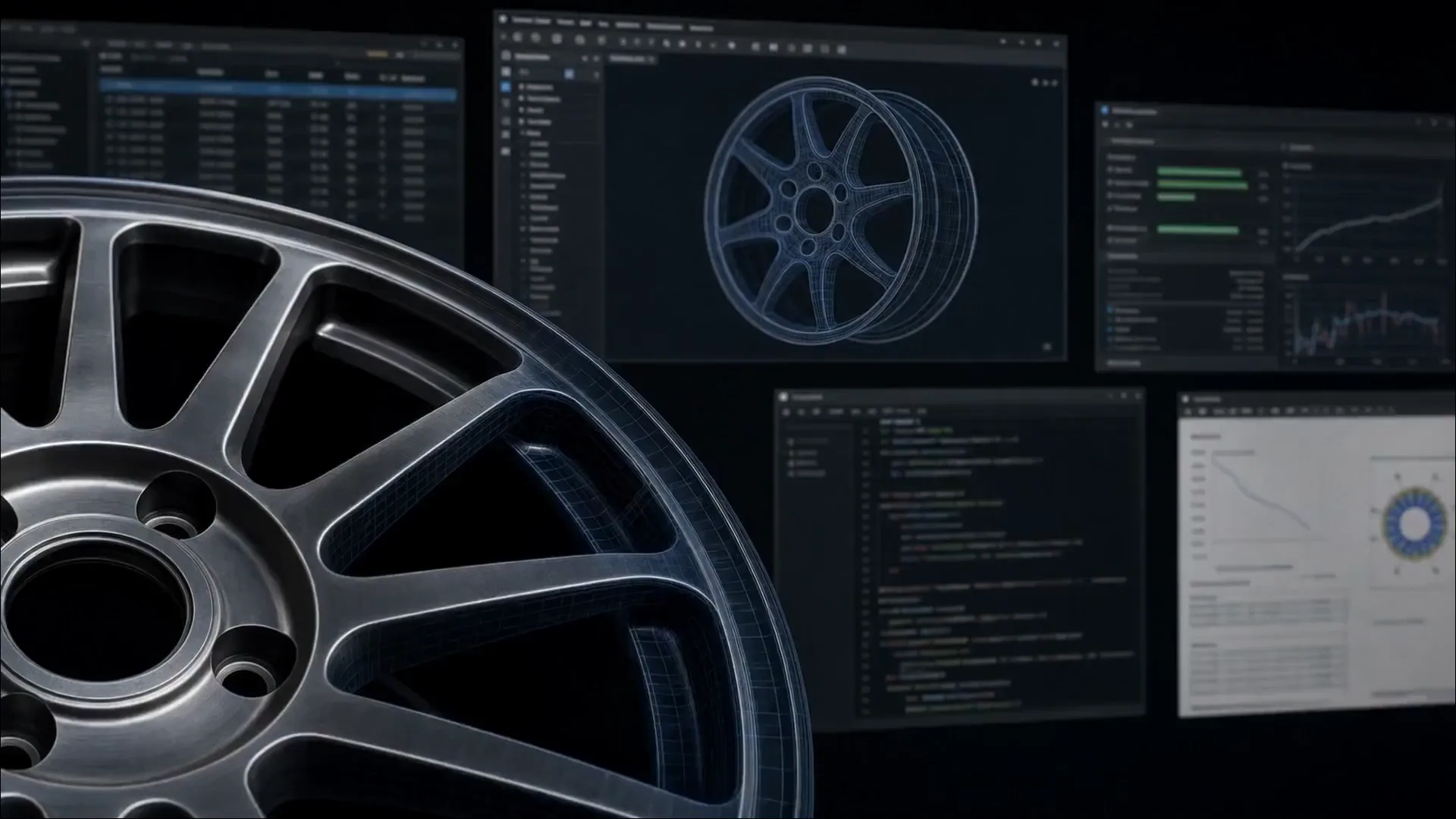
LUBAN Engineering App runtime and composition interface
APPSTORE → WORKBENCH → ENGINEERING-RUNTIME-UNIT
LUBAN PRODUKTFILMVon der App-Suche zur Engineering-Runtime-Unit
Von der App-Suche zur Engineering-Runtime-Unit
01 | PRODUKTDEFINITION

Engineering Apps als direkt nutzbare Fähigkeiten

Apps entdecken, kombinieren und bewährte Methoden in weiteren Aufgaben, Teams und Systemen einsetzen

Engineering-Kontext
AufgabeneingabenApps & VersionenBetrieb & Lieferung
LUBAN · Engineering-App-PlattformARBEITSWEISE
LUBAN · Apps entdecken · Kombinieren · SkalierenBewährte Engineering Apps entdecken, zu Laufzeiteinheiten kombinieren und in weiteren Aufgaben, Teams und Systemen nutzen; Ergebnisse und Betriebsnachweise werden aufgezeichnet.
Apps entdeckenKombinierenSkalieren
  1. 01

    Apps entdecken, passend zur Aufgabe

    Im AppStore bewährte Apps nach Objekt und Aufgabe auswählen, mit klarem Einsatzbereich sowie Ein- und Ausgaben

  2. 02

    Apps kombinieren, Abläufe verbinden

    In Workbench einzelne Apps ausführen oder seriell und parallel verknüpfen, von den Eingaben bis zum Ergebnis

  3. 03

    Fähigkeiten wiederverwenden und skalieren

    Bewährte App-Kombinationen als Laufzeiteinheiten für weitere Aufgaben, Teams, Systeme und MOZI bereitstellen

ErgebnisseAusführbare Fähigkeitskombinationen, Ergebnisse, Abnahmebasis und vollständige Laufprotokolle

AppStore dient der Suche, LUBAN Workbench der Kombination und Ausführung

02 | LUBAN APPSTORE

Vom Engineering-Ziel direkt zur passenden App

Der AppStore ordnet veröffentlichte Apps nach Engineering-Objekt und Aufgabe. So finden und nutzen Ingenieure, Geschäftssysteme und KI-Agenten bewährte Fähigkeiten schnell.

LIVE-PRODUKTOBERFLÄCHE | LUBAN APPSTOREVollständige Oberfläche ansehen
Dark LUBAN AppStore interface showing Engineering App search, recommendations, and application cards
01

Über die Aufgabe finden

Objekt und Ziel beschreiben und schnell die passende App finden

02

Auf einen Blick verstehen

Eingaben, Ausgaben, Versionen und Einsatzbereich sofort erfassen

03

Auswählen und ausführen

Eine App direkt ausführen oder mehrere Apps in die Workbench übernehmen

03 | LUBAN WORKBENCH

Run One App Instantly. Compose Many Apps Flexibly.

Connect inputs, Apps, compute, and delivery rules around the task, then build an Engineering Runtime Unit through single, serial, parallel, or hybrid composition.

LIVE PRODUCT INTERFACE | LUBAN WORKBENCHVollständige Oberfläche ansehen
Light LUBAN Workbench interface showing multiple wheel validation Apps composed into an Engineering Runtime Unit
APP
01SINGLE APP

One Capability, One Direct Task

Use one App for a standard task with a clear boundary

ABC
02SERIAL

Connect Steps into One Flow

The output of one App becomes the input of the next

IN
ABC
OUT
03PARALLEL

Run More Work at Once

Process multiple cases, designs, or objects concurrently

A
BC
D
04HYBRID

Combine Branches for Complex Work

Organize multi-stage and multi-branch execution around task logic

01Connect Inputs
02Compose Flow
03Orchestrate Resources
04Aggregate Results
04 | ENGINEERING RUNTIME UNIT

Turn Flexible Composition into an Engineering Runtime Unit

Workbench saves selected Apps, composition topology, runtime strategy, and delivery rules as an Engineering Runtime Unit—ready to launch, rerun, and extend for similar work.

CAPABILITY COMPOSITION

Engineering App A
Engineering App B
Engineering App C

LUBAN WORKBENCH

COMPOSE · ORCHESTRATE · RUN

ENGINEERING RUNTIME UNIT

Engineering-Runtime-Unit

AufgabenvertragComposition TopologyAusführungsstrategieLieferregeln

CONTINUOUS SERVICE

Similar Tasks
Project Teams
Business Systems
AI Agents

UNIT 01

Wheel Performance Validation

Run impact, fatigue, and stiffness Apps in parallel

UNIT 02

Multi-case Assessment

Execute multiple case Apps concurrently and aggregate results

UNIT 03

Design Optimization Decision

Connect screening, validation, and judgment Apps in sequence

05 | STANDARD RUNTIME

One Connected Path from Capability Selection to Delivery

  1. 01

    Engineering-Ziel definieren

    Set the task object, critical cases, and expected outcome

  2. 02

    Connect Engineering Apps

    Select proven capability from AppStore for the task

  3. 03

    Build the Runtime Unit

    Set the composition pattern and runtime strategy in Workbench

  4. 04

    Run the Task at Scale

    Orchestrate Apps, tools, and compute for the work

  5. 05

    Ergebnisse und Nachweise liefern

    Aggregate results, engineering judgment, and the complete record

06 | CAPABILITY SHIFT

From One Professional Breakthrough to Organization-wide Reuse at Scale

LUBAN turns validated engineering capability into organizational capability at scale, extending one breakthrough across more tasks, teams, systems, and AI agents.

01

USE SHIFT

One-off UseContinuous Reuse

Bring the same capability into more recurring engineering tasks

02

COMPOSITION SHIFT

One AppRuntime Unit

Compose multiple Apps into complete task capability

03

ORGANIZATION SHIFT

One TeamOrganization-wide

Run one capability standard across projects and roles

04

INVOCATION SHIFT

Engineer-operatedSystem and Agent-called

Let business systems, MOZI, and specialist agents invoke capability directly

01Validate and Release
02Discover and Compose
03Capture Runtime Unit
04Organization-wide Reuse
LUBAN CORE VALUE

Make one professional breakthrough create organization-wide value continuously

07 | ENGINEERING TRUST

One Version, One Runtime Standard, One Acceptance Standard

Readable Boundaries

Understand every App's operating range before the task starts

Selectable Versions

Connect the right capability and composition version for the task

Visible Runtime

Keep state, key actions, and exception handling connected

Prüfbare Ergebnisse

Deliver outputs, rationale, and acceptance evidence together

YUANSUAN ENGINEERING AI PLATFORM

Data, models, compute, Engineering Intelligence, and evidence operate together on one technology foundation

Integrierte Modellierung
Designraumexploration
Engineering-Intelligenz
Engineering-Vertrauen
08 | PRODUKTZUSAMMENSPIEL
LUBANMit anderen Produkten verbindenProduktsystem ansehen

Exploration, Betrieb und Aufgabenfeedback können jeweils Fähigkeiten verbessern

09 | GET STARTED

Put Proven Engineering Capability to Work at Scale

01Aggregate Engineering Apps02Compose Runtime Units03Run Tasks at Scale04Evolve Capability Continuously